If you have been following the pocket gimbal camera space, the news that DJI has filed patent lawsuits against Insta360 raises immediate questions about product availability, future design choices & whether the category faces prolonged uncertainty.
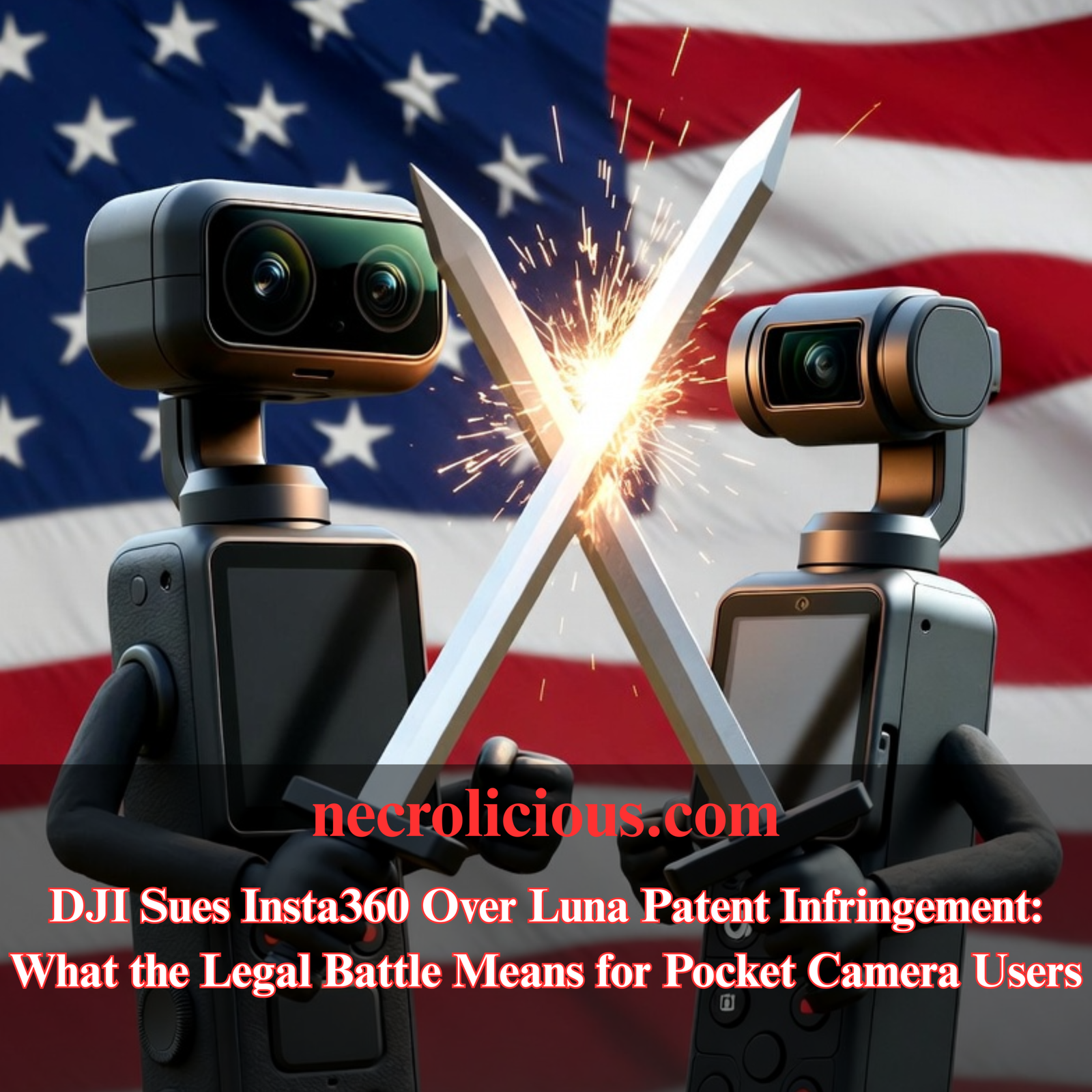
The core dispute centres on Insta360’s new Luna series gimbal cameras, which DJI alleges copy protected elements of its Osmo Pocket line. This legal action adds another chapter to the rivalry between two Shenzhen-based companies that dominate the space for creators seeking stabilised, high-quality footage without bulky equipment.
Background to the Dispute
Both DJI & Insta360 operate from Shenzhen, the hub of China’s consumer electronics industry. DJI built its reputation on drones before expanding into the Osmo Pocket range, which introduced a compact form factor with integrated three-axis stabilisation, a flip-out screen & intuitive controls. Insta360, known initially for 360-degree cameras, has pushed into the same pocket gimbal segment with the Luna Pro & Luna Ultra models.
The timing of the US filings proved deliberate. DJI submitted two lawsuits in the Eastern District of Texas on or around 10–11 June 2026, the same day Insta360 began official US sales of the Luna Ultra. One complaint targets two US design patents covering the ornamental appearance of the Osmo Pocket 3. The second alleges infringement of four utility patents relating to gimbal control modes, built-in subject tracking & integrated display systems that eliminate the need for a separate smartphone app.
DJI describes the Luna as a “wholesale” copy & seeks a permanent injunction against US sales, reasonable royalty damages, profit disgorgement & enhanced damages for alleged willful infringement.

Buy on Rakuten Japan
Insta360’s Swift Countersuit
Insta360 responded within roughly 24 hours. By 12 June the company had filed two countersuits in the same Texas court, asserting five of its own utility patents. These cover gimbal stabilisation, gimbal directional control, camera smooth stabilisation, telemetry overlay & panoramic video stabilisation technologies — features Insta360 claims appear in various DJI products, including the Osmo Pocket line.
This rapid back-&-forth has turned the dispute into a clear mutual patent battle. Both sides are now actively asserting their intellectual property in the same US venue.
Why File in the United States?
Patent rights remain territorial. These are US patents & the alleged infringement occurs through importation, sale & use in the American market. US courts are the proper forum to seek remedies — particularly a permanent injunction — that can directly affect US distribution & sales.
The Eastern District of Texas, particularly the Marshall Division, attracts many patent plaintiffs because of its experienced judges, relatively swift timelines & procedural rules often viewed as favourable to patent holders. DJI is also targeting the US because it remains a significant revenue opportunity for premium pocket gimbal cameras.
DJI’s Own Challenges in the American Market
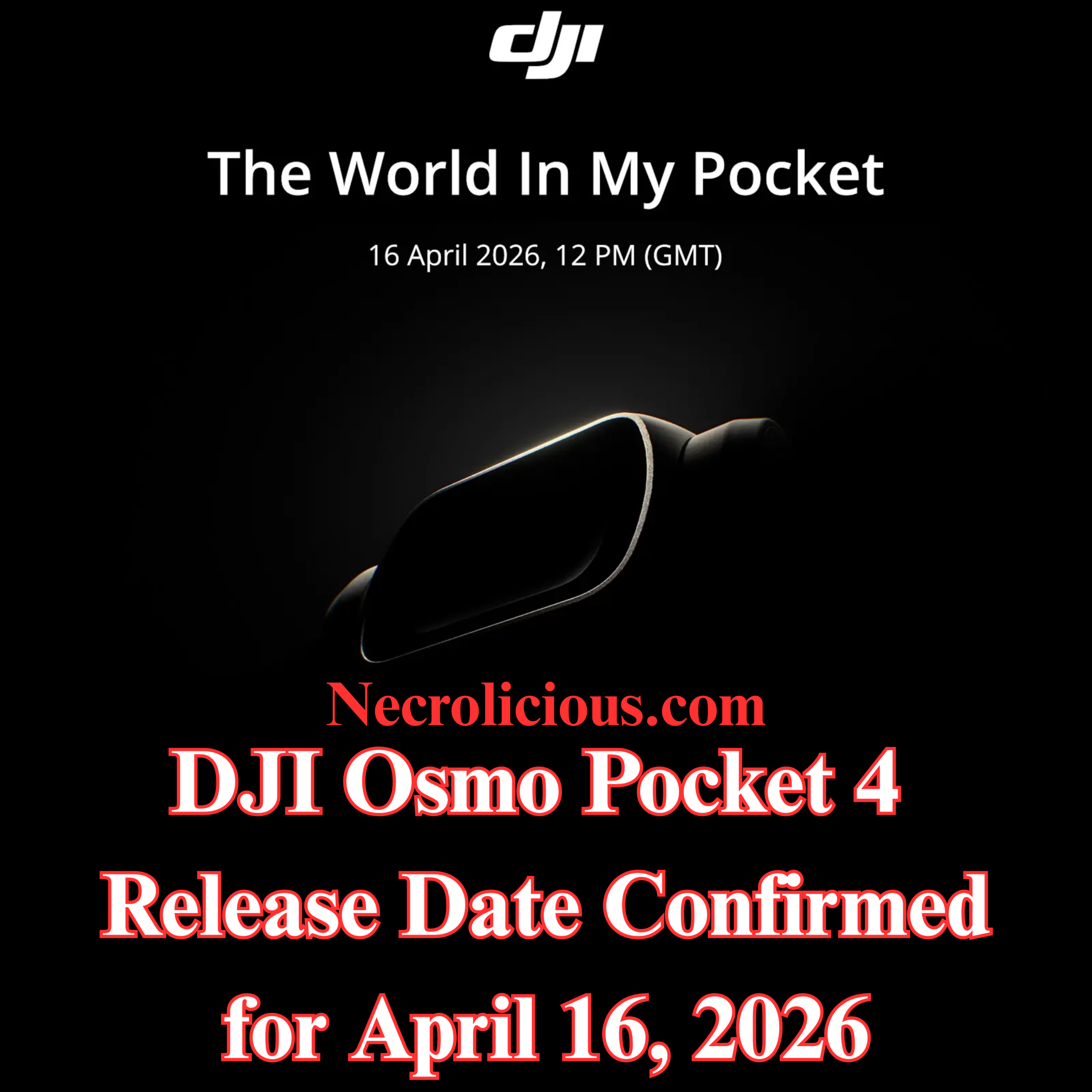
The situation carries notable irony. Newer DJI models, including the Osmo Pocket 4 & Pocket 4 Pro, currently face barriers to official US sales. Following updates to the FCC Covered List in late 2025 & early 2026, new equipment authorisations for certain DJI products have been withheld on national security grounds. Existing, previously authorised models such as the Osmo Pocket 3 remain legally available through retailers.
This regulatory backdrop gives Insta360 a temporary opening in the US for its unrestricted Luna launch. DJI’s legal move can therefore be read as an attempt to neutralise that advantage through intellectual property enforcement. Insta360’s rapid countersuit with five patents further levels the legal playing field.

Buy on Rakuten Japan
The Parallel Action in China
The US cases do not stand alone. In March 2026, DJI filed a patent ownership lawsuit against Insta360’s parent company, Arashi Vision, in the Shenzhen Intermediate People’s Court. That action concerns six patents covering drone flight control, structural design & image processing. DJI contends that former employees developed the inventions within one year of leaving the company, qualifying them as “service inventions” under Chinese law that should belong to the original employer.
Insta360 rejected the claims publicly & pointed to its own portfolio of at least 28 related patents. The Chinese case focuses on ownership & employee mobility, while the US cases address product-level infringement. Together they illustrate a coordinated, multi-jurisdictional strategy.
Comparable Patent Disputes in Technology
This pattern echoes earlier high-profile conflicts. Huawei, operating under substantial US restrictions, filed patent infringement suits against Verizon in Texas district courts in 2020. The matter settled in 2021 on confidential terms that satisfied both parties, demonstrating that restricted Chinese companies can still extract value through US patent enforcement.
In the drone sector itself, rival Autel Robotics prevailed in a US International Trade Commission proceeding against DJI around 2020, resulting in findings that certain DJI patents were unpatentable. Such outcomes show that defendants can successfully challenge validity or prove non-infringement.
Chinese courts have also seen rising plaintiff success rates in patent matters, with win rates often exceeding 80% once infringement is established & injunctions frequently granted. DJI’s domestic filing fits this evolving landscape of stronger IP enforcement inside China.

Buy on Rakuten Japan
Wins, Losses & Strategic Outcomes
The following table summarises key precedents & their relevance:
| Case | Plaintiff | Defendant | Venue | Outcome | Notes |
|---|---|---|---|---|---|
| Huawei v Verizon (2020-2021) | Huawei | Verizon | US District Courts, Texas | Settled confidentially | Restricted Chinese company achieved practical commercial resolution |
| DJI v Irdeto (2025-2026) | DJI | Irdeto | Texas federal court + China CNIPA | DJI invalidated two patents in China | Combined US filing with successful Chinese invalidation |
| Autel v DJI (~2020) | Autel Robotics | DJI | US ITC | Autel prevailed on certain claims | Defendant successfully challenged patent validity |
| General trend: Chinese plaintiffs in China | Chinese companies | Various | Chinese courts | High win rate (~80%) with frequent injunctions | Strong domestic enforcement environment |
Most technology patent disputes conclude through settlement rather than final judgment. Cross-licensing agreements often emerge, allowing both parties continued market access while recognising each other’s intellectual property.
Practical Implications for Buyers & Creators
For enthusiasts & professionals, the immediate effects remain limited. Older Osmo Pocket models continue to be sold legally in the US. Newer Pocket 4 series units face authorisation hurdles but can still reach users through grey-market channels, albeit without official warranty support in some cases.
Should DJI secure an injunction against the Luna in the US, Insta360 might need to redesign affected features or negotiate licensing terms. Such changes could delay availability or alter the product’s final specification. Conversely, a strong defence by Insta360 or a negotiated settlement could preserve choice for consumers.
The dispute also highlights the value of diversified options. Creators who rely on pocket gimbal cameras benefit from monitoring both brands, as competitive pressure has historically driven rapid improvements in stabilisation, tracking & image quality.
What Happens Next?
No public resolution has been announced for either the US or Chinese actions. The Texas cases will likely involve discovery, claim construction & possible summary judgment motions before any trial. The Shenzhen matter focuses on ownership questions that could influence future licensing negotiations.
The swift mutual filings — DJI’s initial suits followed by Insta360’s countersuits within roughly 24 hours — indicate both companies view their patent portfolios as core strategic assets. Industry observers expect continued legal manoeuvring, possible additional filings or negotiations that could lead to cross-licensing or settlement. Such outcomes are common in tech/hardware patent disputes & often allow both parties to continue innovating while resolving IP conflicts commercially.
Further Reading

Buy on Printify
FAQ
Will the Insta360 Luna be banned from sale in the United States?
Only if DJI obtains & enforces a permanent injunction. The case remains at an early stage & many similar matters settle before that point.
Can I still buy DJI Osmo Pocket cameras in the US?
Previously authorised models such as the Pocket 3 remain legally available. Newer Pocket 4 variants face FCC authorisation restrictions but grey-market options exist with associated risks.
Has Insta360 countersued?
Yes. Within about 24 hours of DJI’s June 10/11 filings, Insta360 filed two countersuits in the same Texas court asserting five of its own patents related to gimbal & stabilisation technologies used in DJI products.
Does the China lawsuit affect current Insta360 products?
It primarily addresses ownership of six specific patents. Any ownership transfer would require a court ruling & could influence future licensing rather than immediate product recalls.
Are similar lawsuits expected in Europe or other regions?
No confirmed filings have been reported outside China & the US. Companies frequently expand disputes to additional jurisdictions when products are sold globally.
How might this affect prices or innovation?
Prolonged litigation can raise costs for both companies, potentially influencing pricing. At the same time, the competitive dynamic has accelerated feature development in the pocket camera category.
Unless otherwise noted, image assets above are NOT original content & are shared under fair use doctrine with NO claims to authorship or ownership.
Contact necrolicious@necrolicious.com for credit or removal.
This post was sponsored by…ME! If you’d like to support, please buy my original meme merchandise or check out my affiliate links to get yourself some other cool things. Additional affiliate links may be contained in the above article. If you click on an affiliate link & sign up/make a purchase, I may earn a commission. This does not increase the price you pay for the product or service, so it helps support this website at no cost to you.
If you would like to support my work more directly, I accept voluntary cryptocurrency donations in BTC, ETH, XRP & XLM sent directly to necrolicious.x. necrolicious.x is an Unstoppable Domains name that resolves to the wallet addresses I have configured. Simply enter necrolicious.x as the recipient in a supported wallet (such as Trust Wallet, Blockchain.com or others that support Unstoppable Domains). Donation Disclaimer: All cryptocurrency donations sent to me are final, voluntary gifts & are non-refundable & irreversible. These donations are not tax-deductible since I am not a registered charitable organization, & no tax receipts will be issued. No memo or destination tag is required for XRP or XLM donations, as the domain resolves directly to a wallet address. By sending a donation you acknowledge & accept all associated risks, including cryptocurrency price volatility, network fees & potential loss of funds due to incorrect network selection or transaction errors. I am not responsible or liable for any loss related to your donation. No goods, services or other benefits are provided in exchange for donations. This is not financial, tax, legal or investment advice. Please consult a qualified professional regarding any implications of your donation.