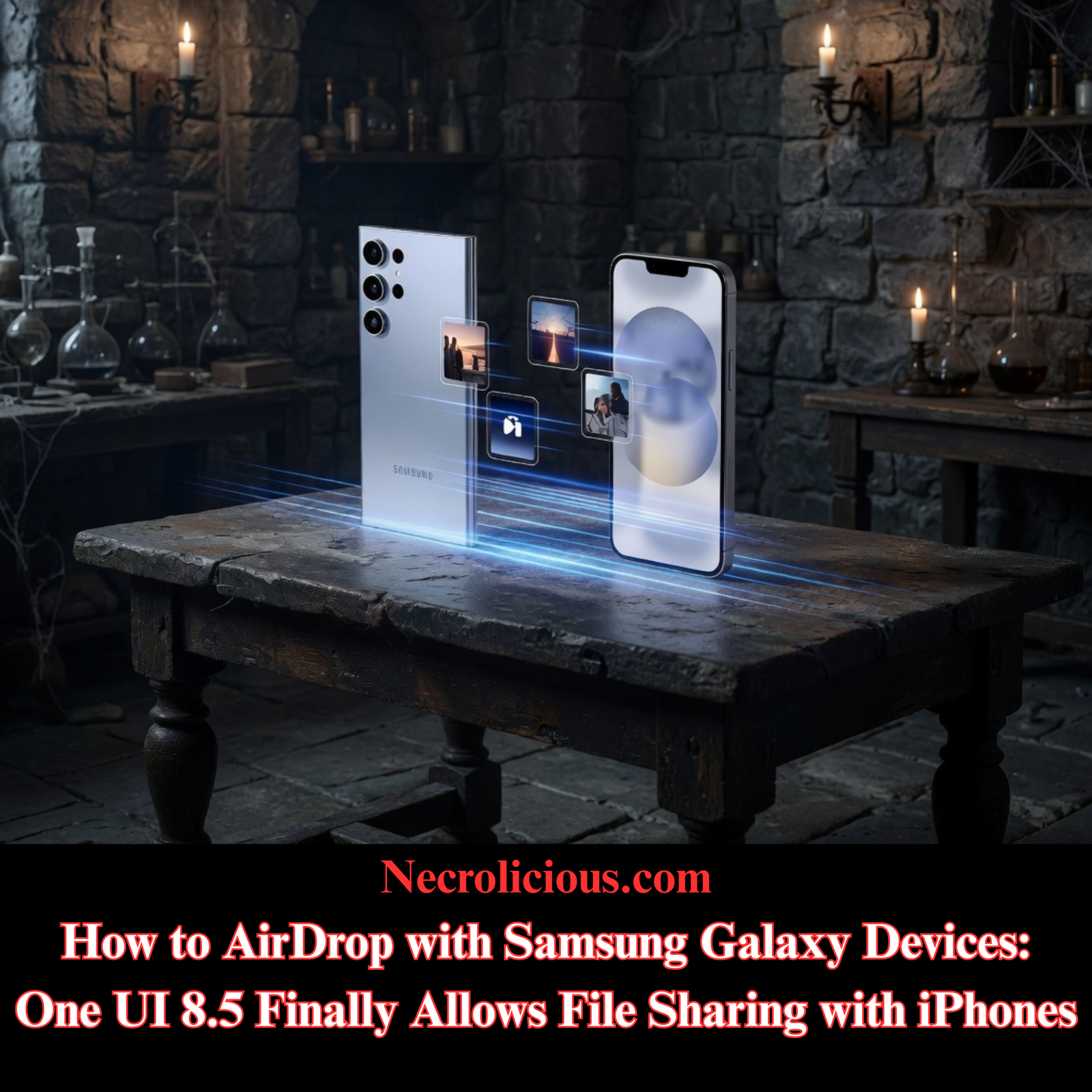
Quickly sharing photos, videos & files should strengthen connections rather than create technical hurdles. When one person uses a Samsung Galaxy device & another relies on an iPhone, the process of exchanging files has often required extra steps, cables or third-party services. The arrival of One UI 8.5 on compatible Samsung phones removes much of that friction through direct integration between Quick Share & Apple’s AirDrop protocol.
This development allows wireless transfers in both directions without additional applications or accounts. It focuses on real-world interactions between people who simply prefer different phones. The feature uses Apple Wireless Direct Link for nearby, peer-to-peer exchanges, building on earlier work by Google to extend Quick Share beyond pure Android environments. Samsung first detailed support for the Galaxy S26 series in March 2026, with availability expanding through One UI 8.5 updates.
How the Integration Supports Everyday Connections
Quick Share on supported Galaxy devices can now discover & connect with nearby iPhones, iPads & Macs. Apple devices appear in the Quick Share interface in the same way they would during native AirDrop sessions. The reverse process works equally well: a Samsung phone shows up when an Apple user starts an AirDrop transfer, once the Galaxy device is prepared to receive.
Transfers remain local & direct. They do not depend on internet access or cloud storage once devices locate each other. Both Wi-Fi & Bluetooth need to stay active, & devices function best when kept within approximately 10 metres. No extra software is required on the Apple side, & the experience mirrors familiar AirDrop behaviour for the recipient.
Official statements from Samsung & Google confirm that the capability is expanding gradually. Early releases targeted the newest flagships, while broader device support depends on additional chipset optimisation. Owners of some older models may install One UI 8.5 yet still lack the dedicated toggle until further refinements are released.

Current Supported Samsung Galaxy Devices
Support is currently limited to specific recent Galaxy models following the One UI 8.5 update. The feature is not available on every device that receives the broader One UI 8.5 software upgrade. Availability remains subject to phased rollouts that can vary by region & market. The table below summarises the confirmed range based on Samsung announcements & subsequent updates.
| Device Series | Specific Models | Availability Notes |
|---|---|---|
| Galaxy S26 | S26, S26+, S26 Ultra | Initial rollout from March 2026; pre-installed on many units |
| Galaxy S25 | S25, S25+, S25 Ultra, S25 FE | Via One UI 8.5 update; expanded rollout in spring 2026 |
| Galaxy S24 | S24, S24+, S24 Ultra, S24 FE | Via One UI 8.5 update; available on most units after May 2026 |
| Galaxy Z Fold | Z Fold 7, Z Fold 6 | Via One UI 8.5 update; both generations supported |
| Galaxy Z Flip | Z Flip 7, Z Flip 6 | Via One UI 8.5 update; both generations supported |
Devices such as the Galaxy S23 series receive the One UI 8.5 update but do not include the AirDrop compatibility toggle. Mid-range & older models outside the listed series generally lack the feature at present. Users should open Quick Share settings after updating to confirm whether the “Share with Apple devices” option appears.
Preparation on the Samsung side involves confirming the update has installed through Settings > Software update. Related Quick Share components should also be current via the Galaxy Store & Google Play. The key setting appears under Connected devices > Quick Share as “Share with Apple devices” & is typically enabled by default when supported.
On Apple devices, users simply adjust AirDrop visibility to “Everyone for 10 minutes” for the duration of the exchange. Both phones or tablets require adequate battery & storage space.
Activating the Option on a Compatible Samsung Phone
Navigate to Settings, then Connected devices > Quick Share. Locate & confirm the “Share with Apple devices” toggle is active. Should the option remain absent after the update, a restart or check for component updates often resolves the matter.
Open the Quick Share panel from the notification shade. Adjust the visibility setting to “Everyone” or “Everyone for 10 minutes” when expecting files from Apple users. This temporary openness aligns with the requirement on the receiving Apple device.

Sending Content from a Galaxy Device to an Apple Device
- Select the photo, video or file intended for sharing.
- Tap the Share icon.
- Choose Quick Share.
- Allow discovery to complete; compatible Apple devices will then appear.
- Select the target iPhone, iPad or Mac.
- Accept the transfer on the Apple device when prompted.
The file arrives automatically in the appropriate location on the recipient’s device, such as the Photos app for images & videos. The process supports the simple act of passing memories between friends or relatives without added complexity.
Receiving Content from an Apple Device on a Samsung Phone
- On the Galaxy device, swipe down twice from the top edge & tap Quick Share, or access it via Settings > Connected devices > Quick Share.
- Ensure the panel indicates readiness to receive & visibility permits temporary access from others.
- On the Apple device, choose the content & select Share > AirDrop.
- Pick the Samsung Galaxy device from the list of nearby options.
- The file lands on the Samsung side, usually in Downloads or the Quick Share folder, accompanied by a completion notification.
This direction completes the loop, allowing iPhone users to send files directly to Galaxy contacts with minimal effort.
File Size Considerations for Direct Transfers
Samsung documentation specifies that direct nearby sharing carries no official restriction on the quantity or size of files. The Quick Share–AirDrop mode follows the same principle because it operates through local wireless communication rather than link or cloud pathways. Apple’s AirDrop similarly publishes no maximum file size.
Real-world limits arise from available storage on each device & the stability of the connection during longer exchanges. Multi-gigabyte videos transfer successfully when devices remain powered & positioned appropriately. Limits associated with link-based Quick Share versions do not apply to these direct sessions.
Expected Performance with Larger Files
Small items such as individual photos or brief clips move efficiently across brands. Larger collections reveal differences compared with transfers that stay within one ecosystem. Reports from users & hands-on tests indicate that collections around 2–3 GB can require 10–15 minutes in cross-platform exchanges. Equivalent volumes often complete more quickly during native Samsung-to-Samsung Quick Share sessions or Apple-to-Apple AirDrop transfers.
Contributing elements include the additional handling required to bridge the two systems & slightly extended discovery phases when device types differ. Native implementations benefit from years of ecosystem-specific refinement. A documented test of a short video from a recent Galaxy model to a Mac via the new integration took several minutes, whereas the same file moved faster under native conditions. The distinction matters most when sharing extended event footage or high-resolution media with friends or family, yet remains secondary for typical personal exchanges.
Guidance for Consistent Results
Position devices close together & minimise movement during extended transfers. Avoid VPNs or power-saving features that could interrupt the link. Should a device fail to appear, cycling AirDrop visibility on the Apple side or refreshing the Quick Share panel on Samsung frequently restores discovery. A restart of the Galaxy device has also resolved absent options for some users following the initial update.
After an initial successful exchange, the Samsung visibility setting can often return to “Contacts only” for subsequent shares. Beginning with a small test file proves useful before moving important content.
Placing the Development in Context
AirDrop became available with iOS 7 in 2013 & established expectations for effortless local sharing inside Apple’s environment. Samsung evolved Quick Share from earlier Nearby Share foundations to serve Android users. Google’s November 2025 announcement introduced AirDrop interoperability on Pixel devices, after which Samsung incorporated similar support via One UI 8.5. The progression reflects a gradual shift toward greater compatibility between major mobile platforms.
The practical outcome allows device preferences to recede into the background during personal exchanges. Friends & family members maintain connections through shared images & videos without device type dictating the method. Privacy stays protected because data moves directly between devices rather than via intermediary servers.
Balanced Considerations & Next Steps
The update delivers clear value for routine sharing between people who use different phones. It reduces barriers that once complicated the simple act of passing along a photo or video. At the same time, very large files may still benefit from alternative approaches when time is limited. A direct cable connection provides the most predictable speed for substantial transfers. Open-source tools such as LocalSend offer additional cross-platform options that some users find efficient. Cloud services continue to serve situations where devices are not physically close.
Ongoing software updates are expected to refine performance further. Keeping system components & Quick Share modules current ensures access to improvements as they become available.
Further reading on Necrolicious.com:

Buy on Printify
Frequently Asked Questions
Will every Samsung phone with One UI 8.5 support sharing with Apple devices?
Support depends on the model. It is currently present on S24 series devices & later flagships plus selected foldables. Confirm the presence of the “Share with Apple devices” toggle in Quick Share settings after updating.
Are there file size restrictions when using the cross-platform feature?
No official limits apply to direct nearby transfers. Practical factors such as storage space & connection quality determine what succeeds in a single session.
Do larger files take noticeably longer when moving between brands?
Yes, reports & tests show extended times for multi-gigabyte content compared with transfers kept inside one ecosystem. The difference stems from additional compatibility handling & is most evident with extended videos or large media collections.
How can discovery issues be resolved if a device does not appear?
Verify Wi-Fi & Bluetooth remain active on both devices & that visibility settings are set appropriately. Restarting the Quick Share panel or toggling AirDrop on the Apple device commonly restores visibility.
Does the transfer depend on an internet connection?
No. Exchanges use direct wireless communication once devices locate each other.
Unless otherwise noted, image assets above are NOT original content & are shared under fair use doctrine with NO claims to authorship or ownership.
Contact necrolicious@necrolicious.com for credit or removal.
This post was sponsored by…ME! If you’d like to support, please buy my original meme merchandise or check out my affiliate links to get yourself some other cool things. Additional affiliate links may be contained in the above article. If you click on an affiliate link & sign up/make a purchase, I may earn a commission. This does not increase the price you pay for the product or service, so it helps support this website at no cost to you.
If you would like to support my work more directly, I accept voluntary cryptocurrency donations in BTC, ETH, XRP & XLM sent directly to necrolicious.x. necrolicious.x is an Unstoppable Domains name that resolves to the wallet addresses I have configured. Simply enter necrolicious.x as the recipient in a supported wallet (such as Trust Wallet, Blockchain.com or others that support Unstoppable Domains). Donation Disclaimer: All cryptocurrency donations sent to me are final, voluntary gifts & are non-refundable & irreversible. These donations are not tax-deductible since I am not a registered charitable organization, & no tax receipts will be issued. No memo or destination tag is required for XRP or XLM donations, as the domain resolves directly to a wallet address. By sending a donation you acknowledge & accept all associated risks, including cryptocurrency price volatility, network fees & potential loss of funds due to incorrect network selection or transaction errors. I am not responsible or liable for any loss related to your donation. No goods, services or other benefits are provided in exchange for donations. This is not financial, tax, legal or investment advice. Please consult a qualified professional regarding any implications of your donation.