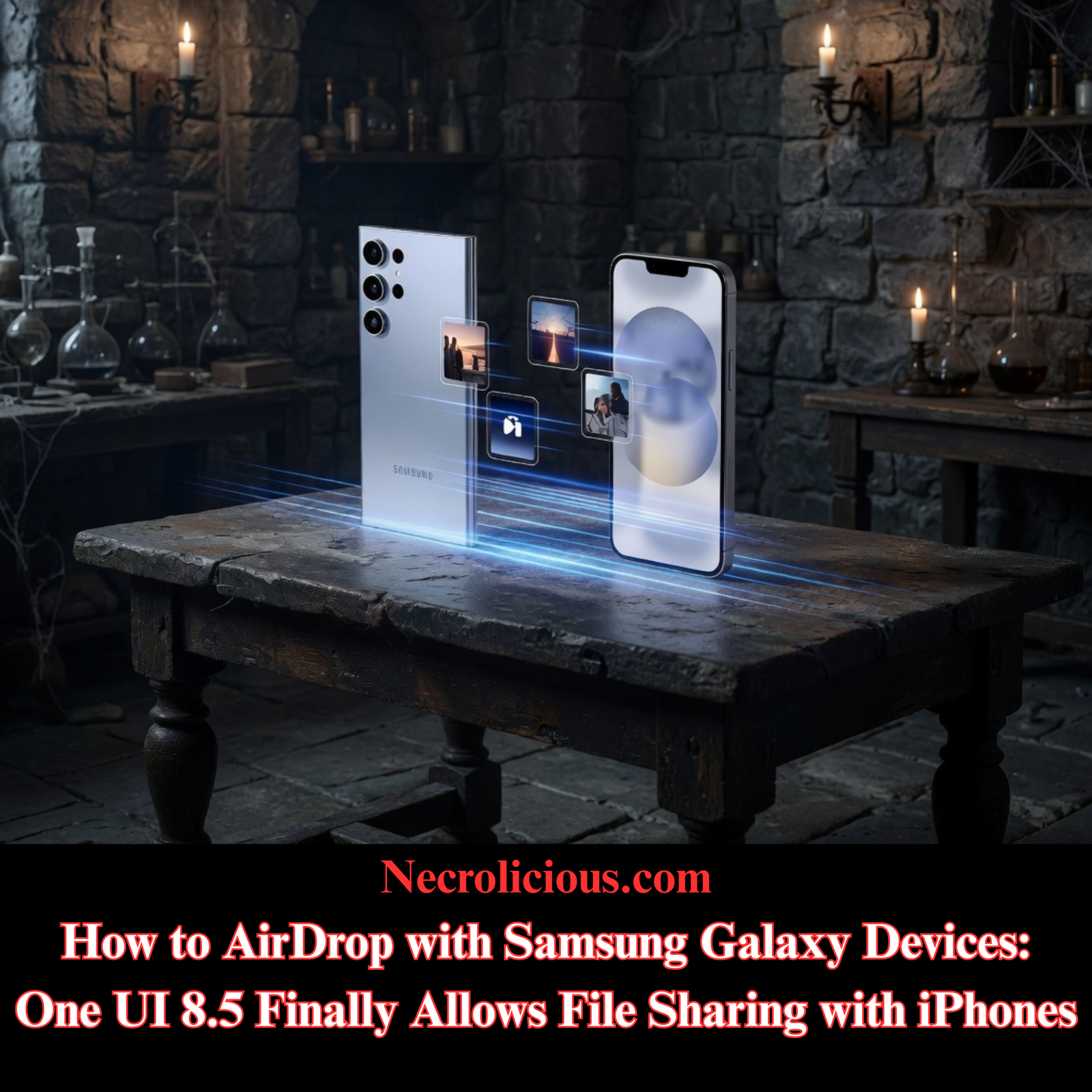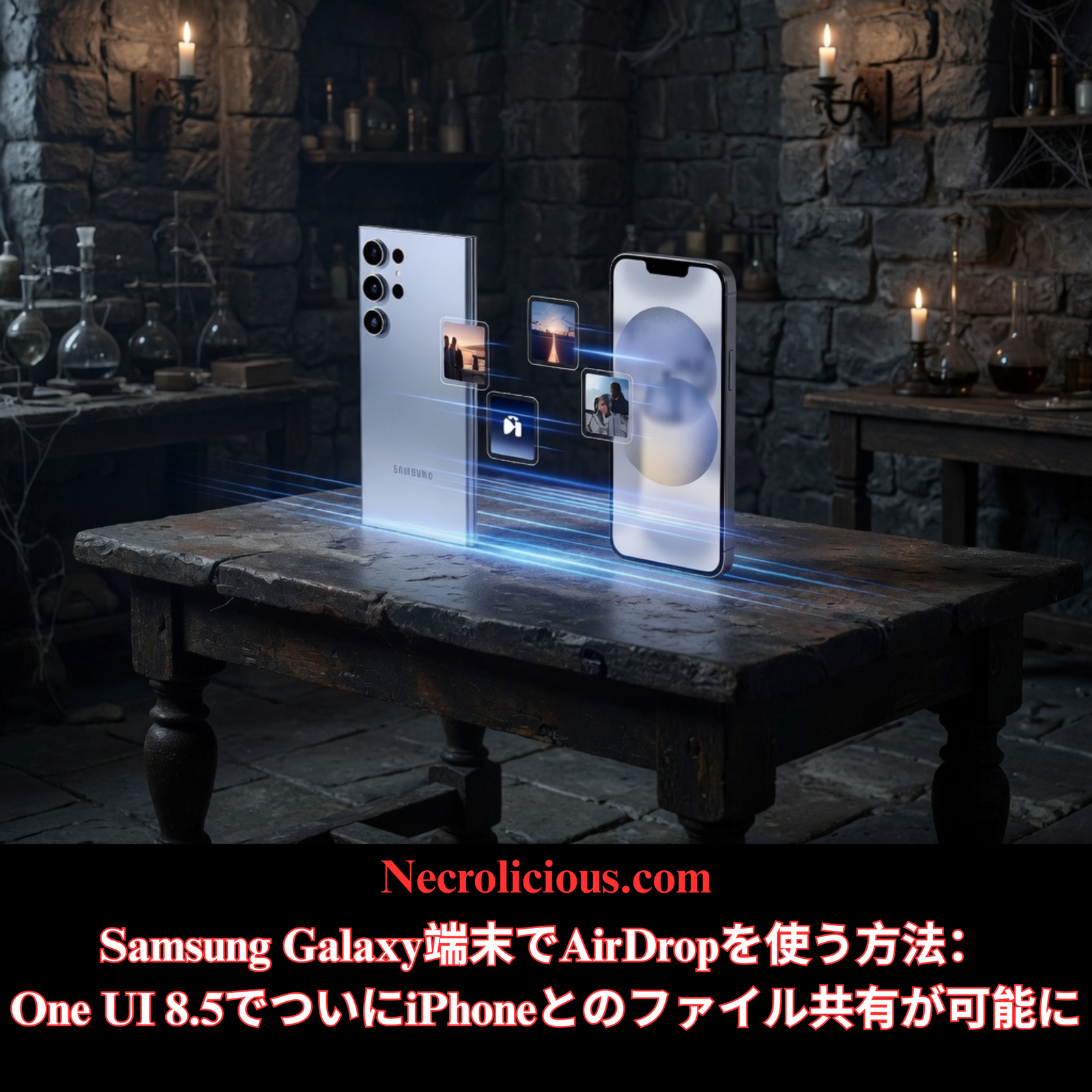
One UI 8.5アップデートでAppleとSamsungのAirDrop互換性が拡大

Click here for English version/英語版はこちらへどうぞ

長年にわたり、日本のスマートフォンユーザーがiPhoneを使い続けるシンプルな理由として挙げてきたのがAirDropだ。手軽で近距離でのファイル共有は、全国の学校、オフィス、コンベンション、そしてカジュアルな集まりで欠かせないものとなっている。しかし、日本のSamsungファンは長らく同等の機能を待ち望んでいた。One UI 8.5の安定版リリースが近づくにつれ、その待ち時間はまもなく終わる。このアップデートにより、Appleデバイス向けのQuick ShareサポートがGalaxyの幅広いモデルに拡張され、これまでAndroidの普及を阻んできたエコシステムの壁に直接対処することになる。

サムスンの日本市場における課題を長年見守ってきた者として、今回の開発は単なるソフトウェアのパッチではなく、競合プラットフォーム間の戦略的な架け橋として際立っています。Quick Share独自の強みを維持しつつ、ユーザーが求めていたAppleとのシームレスな相互運用性を実現しています。以下では、開発の経緯、技術的な詳細、文化的背景、そして実務上の影響について考察します。

日本でエアドロップが依然として優位を占める理由:歴史的・文化的背景

日本のスマートフォン市場は、社会規範に根ざしたエコシステムによる囲い込みを如実に物語っている。iPhoneは市場シェアの約60~68%を占めており、サムスンのハードウェア革新にもかかわらず、その高いシェアは揺るぎない。日本の消費者は、メーカーを乗り換えるのをためらう理由を尋ねられると、AirDropを決定的な要因として挙げることが多い。グループチャットでは、桜の見学会での写真交換から大学のゼミでの共同プロジェクトファイルのやり取りまで、あらゆる場面でAirDropが活用されている。

この傾向は、AppleがiOSとmacOS向けにAirDropを改良した2010年代初頭に遡ります。調和と迅速な合意を重んじる社会において、アプリ、アカウント、インターネット接続なしで共有できる機能は、抗いがたい魅力となりました。一方、Samsungデバイスは、別途アプリやクラウドへのアップロードが必要だったため、使い勝手が悪くなっていました。GoogleのNearby Shareでさえ、この分野ではなかなか普及しませんでした。

サムスンは何年も前からこのことを認識していました。当初、Quick Shareの機能はプレミアムフラッグシップモデルに搭載されていましたが、完全なクロスプラットフォーム対応は遅れていました。2026年3月にGalaxy S26シリーズでこの機能が初めて本格的に搭載され、韓国、米国、ヨーロッパに加え、日本も最初の対応国に含まれていました。日本のS26ユーザーは、ソフトウェアアップデートによって、iPhoneとのAirDropのような共有機能をすぐに利用できるようになりました。

One UI 8.5では、この機能を旧型モデルやミドルレンジモデルにも拡張し、より多くのユーザーが利用できるようになりました。この拡張は、キャリア認証や地域ごとのテストによって発売が数週間から数ヶ月遅れることがあった市場へのサムスンの幅広い進出戦略に沿ったものです。

楽天で購入

One UI 8.5の新機能:クイックシェアとAirDropの融合

今回の新機能の中核は、クイックシェア設定に組み込まれた「Appleデバイスと共有」オプションです。Galaxy端末に安定版のOne UI 8.5がインストールされると、「接続済みデバイス」の下にこのトグルが表示されます。これを有効にし、BluetoothとWi-Fiがアクティブになっていることを確認すると、コントロールセンターで「10分間全員に共有」に設定されている近くのiPhone、iPad、またはMacが共有シートに表示されます。

ファイル転送はBluetoothとWi-Fi Directを介して直接行われ、圧縮やデータ制限なしで元の品質が維持されます。基本的な近距離共有にはSamsungまたはAppleのアカウントは不要で、AirDropのシンプルさをそのまま再現しています。

しかし、サムスンは同等の機能を提供するだけに留まらない。Quick Shareは、アップルのソリューションにはない機能を維持しつつ強化している。

  • QRコード生成:タップするとスキャン可能なコードが表示され、即座にハンドオフできます。これは、デバイスが事前にペアリングされていない場合や、ネットワークが異なる場合に最適です。
  • リンク共有:大容量ファイルや遠隔地の受信者向けには、Quick Shareが安全なクラウド経由でアップロードし、共有可能なリンクを生成するため、距離制限を完全に回避できます。
  • クロスエコシステム対応の柔軟性:同じツールが他のAndroidデバイス、Windows PC、そして新たにAppleハードウェアでも動作するため、真のユニバーサル共有レイヤーが実現します。

こうした付加機能こそが、筆者を含め多くの熱心なSamsungユーザーが、Appleとの互換性が実現した後もQuick Shareを好んで使い続ける理由を説明している。AirDropは自社のエコシステム内では高速な共有に優れているが、混雑したアニメコンベンションでテーブル越しに手渡されるQRコードや、遠隔地の共同作業者とのグループチャットにドロップされるリンクのような汎用性を再現することはできない。

サムスンの公式文書およびSamMobileの報告によると、この機能は日本を含む対応地域全体で変更なく展開されることが確認されています。ファームウェアのアップデート後、主要機能に関してキャリア固有の制限は一切適用されません。

楽天で購入

Appleデバイスでクイックシェアを使用する方法

Galaxyに安定版One UI 8.5アップデートが配信されると、AirDropとの完全な互換性により、双方向の共有が可能になります。スムーズな転送を実現するには、以下の手順に従ってください。

  1. Galaxy端末で:設定 > 接続済みデバイス > クイック共有を開き、「Appleデバイスと共有」をオンに切り替えます。BluetoothとWi-Fiは有効にしておいてください。
  2. iPhone、iPad、またはMacの場合:コントロールセンターを開くために下にスワイプし、AirDropをタップして「10分間全員に共有」を選択します。
  3. GalaxyからAppleデバイスへ:ファイル、写真、またはビデオを選択し、共有アイコンをタップして、クイック共有シートに表示されるAppleデバイスを選択します。転送はすぐに完了します。
  4. iPhoneからGalaxyへ:iPhoneでファイルを選択し、AirDropアイコンをタップします。すると、Galaxyが近くのデバイス一覧に表示され、ファイルがすぐに受信されます。

両方のデバイスでBluetoothとWi-Fiをオンにする必要があります。近距離での転送にはインターネット接続は不要です。遠隔地での共有には、これまでと同様にQuick ShareのリンクまたはQRコードオプションを使用してください。

日本における展開スケジュール:遅延は依然として常態化している

世界的な予想では、2026年5月上旬の開始が見込まれており、韓国が祝日による一時的な延期を経て、5月4日頃に先行開始するとみられていた。南北アメリカやヨーロッパを含むその他の国際市場も、数日中にそれに続く予定だった。

日本は独自の道を歩んでいます。NTTドコモ、au by KDDI、ソフトバンク、楽天といった主要キャリアは、追加のテストとファームウェアのカスタマイズを義務付けています。このパターンは、One UIのメジャーリリースや新機種の発売のたびに繰り返されてきました。SIMフリーモデルやサムスンからの直接輸入モデルは若干早くアップデートを受け取れる可能性がありますが、日本のほとんどのユーザーはキャリア版を利用しています。

日本のGalaxy S25、S24、Z Fold7、Z Flip7、および一部の旧フラッグシップモデル向けの安定版One UI 8.5は、早くても5月中旬から下旬にリリースされる見込みで、キャリア版は6月にずれ込む可能性があります。Samsung Japanのサポートページではベータプログラムについて言及していますが、具体的なローカルスケジュールはまだ公開されていません。確認方法は、設定 > ソフトウェアアップデート、またはSamsung Membersアプリが最も確実です。

参考までに、Galaxy S26シリーズは既に日本国内でAirDropに対応して出荷されています。これらの端末の所有者は待ち時間なしで購入しており、サムスンは優先順位が合致すれば迅速に対応できることを証明しています。

バランスの取れた視点:強み、限界、そして長期的な影響

Quick Shareの汎用性の高さは、AppleのエコシステムにおけるAirDropの洗練された使い勝手を損なうものではありません。Apple製品のみに囲まれた環境では、ネイティブな操作感を好むユーザーもいるでしょう。データ転送時のバッテリー消費量は両システムとも同程度で、最速の転送速度を実現するには、デバイス同士が直接見通せる距離にある必要があります。

サムスンのアプローチは、将来的なプラットフォームの断片化についても疑問を投げかけている。より多くのメーカーが同様のクロスプラットフォーム標準を採用するにつれ、業界は普遍的な共有プロトコルへと収束していく可能性がある。しかしながら、現時点では、One UI 8.5は既存のクイックシェアユーザーを損なうことなく、即座に価値を提供している。

市場アナリストは、AirDropという乗り換え抑止策がなくなると、特にゲームやアニメに熱心な若年層の間で、日本におけるiPhoneの優位性が徐々に低下する可能性があると指摘している。しかし、文化的な慣性は根強く残っている。真の変化は、継続的なソフトウェアサポートと通信事業者の協力にかかっている。

結論:サムスンにとって日本における意義深い前進

One UI 8.5は、単なる機能追加以上のものです。日本の消費者がサムスン製デバイスを評価する際に長年抱えてきた心理的な障壁を取り払います。Quick Share AirDropとの互換性に加え、QRコード、リンク共有、幅広いデバイス対応を提供することで、サムスンは単なる同等ではなく、真に優れたソリューションを提供します。

日本で安定版のリリースを待っている方は、もうすぐその恩恵を受けられるでしょう。デバイスの設定を定期的に確認し、Samsung Membersアプリで最新情報を受け取ることを検討してください。エコシステムの壁は低くなりつつあり、プラットフォームを超えた共有、創造性、そしてつながりのための新たな可能性が開かれています。

この開発は、世界で最も目の肥えた市場の一つにおいて、ユーザー中心のイノベーションに対するサムスンの取り組みを改めて示すものです。テクノロジー愛好家、ゲーマー、アニメファン、イベント参加者である私たちは、この恩恵を最も受けるでしょう。

よくある質問

One UI 8.5は、日本で私のGalaxyモデルにいつ配信されますか?
ほとんどの対応端末への安定版配信は、SIMフリーモデルの場合、2026年5月中旬から下旬に開始される予定で、キャリア版はその後まもなく配信されます。S26シリーズのユーザーは既にこの機能を利用できます。

iPhoneでクイックシェアを使用するには、Samsungアカウントが必要ですか?
いいえ。基本的な近距離共有にはBluetoothとWi-Fiのみが必要です。リンク共有はクラウドを利用しますが、受信者にアカウントへのログインを強制することなく機能します。

S23シリーズのような旧型GalaxyモデルはAirDropに対応しますか?
一部の旧型フラッグシップモデルは、One UI 8.5のアップデート後に限定的な互換性を得る可能性がありますが、フル機能はS24、S25、Zシリーズデバイスに重点が置かれています。対応状況はSamsung Membersでご確認ください。

Quick ShareのQRコード共有は、Appleデバイスでどのように機能しますか?
Galaxyでコードを生成し、受信者にiPhoneのカメラでスキャンしてもらうと、ファイルが直接転送されます。AirDropの設定とは独立して動作します。

さらに詳しく知りたい場合は、以下のリンクをご参照ください。

NECROLICIOUS「ノーフィルター」面白い魔女魔術ハロウィンミームTシャツ
SUZURIで購入

特に記載がない限り、上の画像アセットはオリジナルのコンテンツではなく、著作権や所有権を主張せずに公正使用の教義に基づいて共有されています。クレジットや削除に関する問い合わせは、necrolicious@necrolicious.comまでご連絡ください。

この投稿のスポンサーは。。。俺!サポートいただける方は、俺のオリジナルミームグッズをSUZURIでお買い求めいただくか、アフィリエイトリンクをチェックして他の素敵なアイテムをご覧ください。上記の記事には追加の関連リンクが含まれる場合があります。関連リンクをクリックして登録や購入を行うと、コミッションを獲得する場合があります。これはあなたが製品やサービスに対して支払う価格を上げませんので、あなたに費用がかからずこのウェブサイトをサポートするのに役立ちます。

Share this:

Samsung One UI 8.5 Quick Share & AirDrop Compatibility Finally Expands to Galaxy Devices in Japan

@necroliciouseng

Samsung One UI 8.5 Quick Share & AirDrop Compatibility Finally Expands to Galaxy Devices in Japan #airdrop #samsung #iphone #smartphone #creatorsearchinsights

♬ ほんまやで☆なんでやねん☆しらんけど – モナキ

日本語版はこちらへどうぞ/ for Japanese version click here

For years, Japanese smartphone users have cited one simple reason for staying loyal to iPhones: AirDrop. Effortless, proximity-based file sharing has become a social staple in schools, offices, conventions & casual meet-ups across the country. Yet Samsung fans in Japan have long waited for parity. With the stable rollout of One UI 8.5 approaching, that wait is nearly over. The update brings expanded Quick Share support for Apple devices to a wide range of Galaxy models, directly addressing the ecosystem barrier that has held back Android adoption here.

As a long-time observer of Samsung’s Japanese market challenges, this development stands out not merely as a software patch but as a strategic bridge between competing platforms. It preserves Quick Share’s unique strengths while adding the seamless Apple interoperability that users have demanded. Below, we examine the timeline, technical details, cultural context & practical implications.

Why AirDrop Dominance Persists in Japan: Historical & Cultural Context

Japan’s smartphone market tells a story of ecosystem lock-in rooted in social norms. iPhone holds roughly 60 to 68 percent share, a figure that has remained stubbornly high despite Samsung’s hardware innovations. Japanese consumers frequently mention AirDrop as the decisive factor when asked why they hesitate to switch manufacturers. Group chats rely on it for everything from exchanging photos at cherry-blossom viewing parties to collaborative project files in university seminars.

This preference traces back to the early 2010s when Apple refined AirDrop for iOS & macOS. In a society that values harmony & quick consensus, the ability to share without apps, accounts or internet connections proved irresistible. Samsung devices, by contrast, required separate apps or cloud uploads, creating friction. Even Google’s Nearby Share struggled to gain traction here.

Samsung recognised this years ago. Initial Quick Share enhancements appeared on premium flagships, but full cross-platform support lagged. The March 2026 debut on the Galaxy S26 series marked the first genuine breakthrough, with Japan included in the initial wave alongside South Korea, the United States & Europe. For S26 owners in Japan, AirDrop-like sharing with iPhones became available immediately via software update.

One UI 8.5 now scales that capability to older & mid-range models, democratising the feature. This expansion aligns with Samsung’s broader push into a market where carrier certification & localised testing have historically delayed launches by weeks or months.

Buy on Rakuten Japan

What One UI 8.5 Delivers: Quick Share Meets AirDrop

The core innovation lies in the “Share with Apple devices” option now embedded in Quick Share settings. Once your Galaxy receives the stable One UI 8.5 build, the toggle appears under Connected devices. Enable it, ensure Bluetooth & Wi-Fi are active, & nearby iPhones, iPads or Macs set to “Everyone for 10 minutes” in Control Centre will appear in your share sheet.

File transfers occur directly via Bluetooth & Wi-Fi Direct, preserving original quality without compression or data caps. No Samsung or Apple account is required for basic nearby sharing, mirroring AirDrop’s simplicity.

Yet Samsung does not stop at parity. Quick Share retains & enhances features absent from Apple’s solution:

  • QR code generation: Tap to display a scannable code for instant handoff, ideal when devices are not pre-paired or when networks differ.
  • Link sharing: For larger files or remote recipients, Quick Share uploads via secure cloud & generates a shareable link, bypassing proximity limits entirely.
  • Cross-ecosystem flexibility: The same tools work with other Android devices, Windows PCs & now Apple hardware, creating a true universal sharing layer.

These extras explain why many dedicated Samsung users, including this writer, continue to favour Quick Share even after Apple compatibility arrives. AirDrop excels at speed within its walled garden, but it cannot replicate the versatility of a QR code handed across a table at a crowded anime convention or a link dropped into a group chat for remote collaborators.

Official documentation from Samsung & reports from SamMobile confirm the feature rolls out unchanged across supported regions, including Japan. No carrier-specific restrictions apply to the core functionality once the firmware lands.

Buy on Rakuten Japan

How to Use Quick Share with Apple Devices

Once the stable One UI 8.5 update arrives on your Galaxy, sharing works in both directions with full AirDrop compatibility. Follow these steps for seamless transfers.

  1. On your Galaxy: Open Settings > Connected devices > Quick Share, then toggle on “Share with Apple devices”. Keep Bluetooth & Wi-Fi enabled.
  2. On the iPhone, iPad or Mac: Swipe down to open Control Centre, tap AirDrop & select “Everyone for 10 minutes”.
  3. From Galaxy to Apple device: Select any file, photo or video, tap the share icon & choose the Apple device that appears in the Quick Share sheet. The transfer completes directly.
  4. From iPhone to Galaxy: On the iPhone, select the file & tap the AirDrop icon. Your Galaxy will now appear in the list of nearby devices & receive the file instantly.

Both devices must have Bluetooth & Wi-Fi turned on; no internet connection is required for nearby transfers. For remote sharing, use Quick Share’s link or QR code options as before.

Rollout Timeline for Japan: Delays Remain the Norm

Global expectations pointed to an early May 2026 start, with South Korea leading on or around 4 May following a brief holiday-related postponement. Broader international markets, including the Americas & Europe, were slated to follow within days.

Japan operates on a separate track. Major carriers — NTT Docomo, au by KDDI, SoftBank & Rakuten — mandate additional testing & firmware customisation. This pattern has repeated with every major One UI release & even new device launches. Unlocked models or direct Samsung imports may receive the update slightly earlier, yet most users in Japan rely on carrier variants.

Expect stable One UI 8.5 for Japanese Galaxy S25, S24, Z Fold7, Z Flip7 & select prior flagships to arrive mid-to-late May at the earliest, with carrier versions potentially slipping into June. Samsung Japan’s support pages have acknowledged the beta programme but have not yet published a firm local schedule. Monitoring Settings > Software update or the Samsung Members app remains the most reliable method.

For context, the Galaxy S26 series already ships with AirDrop support in Japan. Owners of those devices experienced no waiting period, proving Samsung can expedite when priorities align.

Balanced Perspective: Strengths, Limitations & Long-Term Impact

Quick Share’s superiority in versatility does not erase AirDrop’s polish within Apple’s ecosystem. Some users may still prefer the native feel when surrounded exclusively by Apple hardware. Battery impact during transfers remains comparable, & both systems require line-of-sight proximity for the fastest speeds.

Samsung’s approach also raises questions about future fragmentation. As more manufacturers adopt similar cross-platform standards, the industry may converge on universal sharing protocols. For now, however, One UI 8.5 delivers immediate value without compromising existing Quick Share users.

Market analysts note that removing AirDrop as a switching deterrent could gradually erode iPhone dominance in Japan, especially among younger demographics active in gaming & anime. Yet cultural inertia runs deep. Real change will depend on consistent software support & carrier cooperation.

Conclusion: A Meaningful Step Forward for Samsung in Japan

One UI 8.5 represents more than a feature addition. It dismantles a long-standing psychological barrier for Japanese consumers evaluating Samsung devices. By delivering Quick Share AirDrop compatibility alongside QR codes, link sharing & broad device support, Samsung offers a solution that feels genuinely superior rather than merely equivalent.

For those in Japan still awaiting the stable build, patience will soon pay off. Check your device settings regularly & consider the Samsung Members app for early notifications. The ecosystem walls are lowering, opening new possibilities for sharing, creativity & connection across platforms.

This development reinforces Samsung’s commitment to user-centric innovation in one of the world’s most discerning markets. As tech enthusiasts, gamers, anime fans & event-goers, we stand to benefit most.

FAQ

When will One UI 8.5 reach my Galaxy model in Japan?
Stable rollout for most supported devices is expected mid-to-late May 2026 for unlocked models, with carrier variants following shortly after. S26 series users already have the feature.

Do I need a Samsung account to use Quick Share with iPhones?
No. Basic nearby sharing requires only Bluetooth & Wi-Fi. Link sharing utilises cloud but works without forcing account login for recipients.

Will older Galaxy models like the S23 series receive AirDrop support?
Select prior flagships may gain limited compatibility once they receive One UI 8.5, though full features focus on S24, S25 & Z series devices. Confirm eligibility via Samsung Members.

How does Quick Share QR code sharing work with Apple devices?
Generate the code on your Galaxy, have the recipient scan it with their iPhone camera, & the file transfers directly. It functions independently of AirDrop settings.

Suggested internal links for further reading:


Necrolicious “No Filter” Witch Goth Meme 100% Cotton Unisex Tee
Buy on Printify

Unless otherwise noted, image assets above are NOT original content & are shared under fair use doctrine with NO claims to authorship or ownership.
Contact necrolicious@necrolicious.com for credit or removal.

This post was sponsored by…ME! If you’d like to support, please buy my original meme merchandise or check out my affiliate links to get yourself some other cool things. Additional affiliate links may be contained in the above article. If you click on an affiliate link & sign up/make a purchase, I may earn a commission. This does not increase the price you pay for the product or service, so it helps support this website at no cost to you.

Share this: