Alcina Dimitrescu descends from Resident Evil Village with some very special news. BABYMETAL (@BABYMETAL_JAPAN) and Resident Evil are joining forces to celebrate 30 years of survival horror. Get your hands on exclusive collaboration merchandise, coming in 2026. See you. pic.twitter.com/SqkuvDTxuf
Capcom has announced a surprising collaboration between the iconic horror franchise Resident Evil & the Japanese kawaii metal band BABYMETAL. This partnership, revealed during a BABYMETAL live viewing event, marks the 30th anniversary of Resident Evil & promises to deliver exclusive merchandise in 2026. The announcement, featuring the formidable Lady Alcina Dimitrescu, has ignited a flurry of excitement & speculation among fans worldwide.
Alcina Dimitrescu descends from Resident Evil Village with some very special news. BABYMETAL (@BABYMETAL_JAPAN) and Resident Evil are joining forces to celebrate 30 years of survival horror. Get your hands on exclusive collaboration merchandise, coming in 2026. See you. pic.twitter.com/SqkuvDTxuf
The collaboration between Resident Evil & BABYMETAL is as unexpected as it is intriguing. BABYMETAL, known for their blend of J-pop & heavy metal, have carved a niche for themselves since their debut in 2010. Their music, characterised by its high-energy performances & a fusion of idol culture with metal, has garnered a global following. On the other hand, Resident Evil, a cornerstone of the survival horror genre since its inception in 1996, has consistently pushed the boundaries of narrative-driven gameplay & cinematic horror.This partnership is not merely a crossover but a celebration of two distinct yet complementary worlds. The announcement video, which features Lady Dimitrescu in a gothic setting, hints at a thematic alignment between the dark, eerie aesthetic of Resident Evil & the theatrical, intense performances of BABYMETAL. The video’s subtitles & imagery suggest that the collaboration will extend beyond mere branding, potentially influencing the design & marketing of the anniversary merchandise.
The Role of Lady Dimitrescu
Lady Alcina Dimitrescu, one of the most memorable antagonists from Resident Evil Village, serves as the face of this collaboration. Her towering presence & vampiric allure have made her a fan favourite, & her involvement in the announcement underscores the significance of this partnership. The video’s narrative, delivered in her characteristic menacing tone, teases fans with the promise of “exclusive collaboration merchandise” & a 2026 release date. This strategic use of a beloved character not only heightens anticipation but also bridges the gap between the game’s horror elements & BABYMETAL’s metallic edge.
A Milestone for Resident Evil
2026 marks the 30th anniversary of Resident Evil, a milestone that Capcom is evidently intent on celebrating with grandeur. The franchise has evolved significantly since its debut, with titles like Resident Evil 4, Resident Evil 7: Biohazard, & Resident Evil Village redefining the genre. The collaboration with BABYMETAL is a testament to Capcom’s willingness to explore new avenues for engagement, leveraging the band’s international appeal to reach a broader audience.The announcement comes on the heels of other 30th-anniversary initiatives, including the upcoming Resident Evil Requiem, scheduled for release on February 27, 2026. This game, revealed during Summer Game Fest, promises to continue the legacy of survival horror, & the BABYMETAL collaboration adds an additional layer of excitement to the anniversary celebrations.
BABYMETAL’s Continued Influence
For BABYMETAL, this collaboration is another chapter in their ongoing narrative of genre-blending innovation. Since their formation, the band has collaborated with various artists & brands, including appearances in WWE events & partnerships with other metal acts. Their latest album, Metal Forth, released in August 2025, showcases their evolution & willingness to experiment, making this tie-up with Resident Evil a natural extension of their creative trajectory.The band’s influence extends beyond music, as evidenced by their impact on fashion, performance art, & even video game culture. Their ability to merge disparate elements—kawaii aesthetics with aggressive metal—mirrors the thematic undertones of Resident Evil, where horror is often juxtaposed with moments of unexpected beauty or humanity.
What to Expect
While details about the merchandise remain scarce, the announcement video suggests a range of possibilities. Fans can anticipate items that reflect both the dark, gothic themes of Resident Evil & the energetic, metallic vibe of BABYMETAL. This could include apparel, accessories, & perhaps even limited-edition collectibles that encapsulate the essence of both brands.The collaboration’s timing, aligning with the 30th anniversary & the release of Resident Evil Requiem, indicates a strategic effort to maximise impact. It also raises questions about potential future integrations, such as in-game references or concert-themed events that could further blur the lines between gaming & live performance.
The collaboration between Resident Evil & BABYMETAL is a bold statement of how established franchises can reinvent themselves through unexpected partnerships. It celebrates three decades of survival horror while embracing the innovative spirit of a band that has redefined metal music. As we look forward to 2026, this union promises to deliver not just merchandise but a cultural moment that resonates with fans of both worlds.Stay tuned for more updates as Capcom & BABYMETAL unveil the details of this exciting collaboration. In the meantime, the anticipation builds, much like the tension in a Resident Evil game, waiting for the next revelation to emerge from the shadows.
Unless otherwise noted, image assets above are NOT original content & are shared under fair use doctrine with NO claims to authority or ownership. Contact necrolicious@necrolicious.com for credit or removal.
This post was sponsored by…ME! If you’d like to support, please buy my original meme merch from Necrolicious.store or check out my affiliate links to get yourself some other cool things. Additional affiliate links may be contained in the above article. If you click on an affiliate link & sign up/make a purchase, I may earn a commission. This does not increase the price you pay for the product or service, so it helps support this website at no cost to you.
宝くじの魅力は世界中で人々を引きつけますが、私の宝くじへの関心は、2025年に初めて知ったハロウィンジャンボ宝くじ(ハロウィンジャンボ宝くじ)によって再燃しました。9月19日から10月19日まで販売され、総額5億円のトップ賞(補足賞を含む)を誇るこの季節の抽選が、私の心を掴みました。アメリカでは、Pac-Manのような楽しいテーマのスクラッチャーをたまにプレイしたことがありましたが、何年も宝くじに触れていませんでした。日本に住む私は、タカラクジを初めてプレイしたのがこのハロウィンジャンボで、10月28日の抽選後に来年の2026年ハロウィンジャンボまでプレイを休む予定です。この季節ごとのワクワクをまた味わいたいと思います! 日本の読者向けに、タカラクジとアメリカの宝くじ(特にスクラッチャー)の8つの主要な違いを、個人的な視点から探ります。以下の表で概要をまとめ、詳細な説明を続けます。比較表:日本(タカラクジ) vs. アメリカの宝くじ
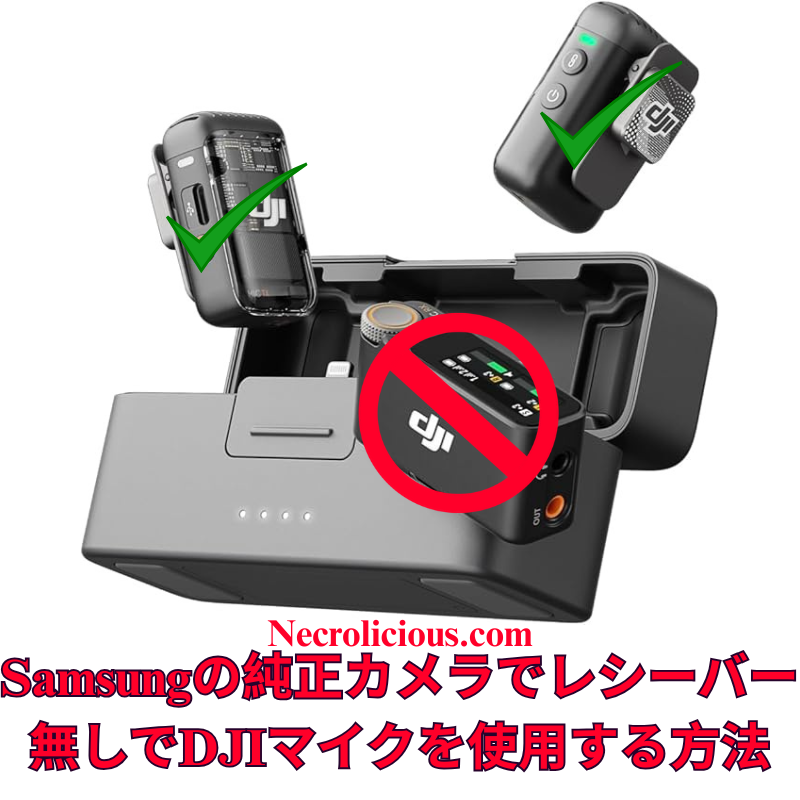
広範なオンライン調査とテストを経て、DJI Mic 2をSamsung Galaxyデバイスのネイティブカメラアプリケーションにワイヤレスで接続することが、他のプラットフォームに比べて格段に簡単であることを確認しました。iOSではカメラアプリでのBluetoothオーディオ入力が制限されていますが、SamsungのOne UIでは、標準のカメラアプリのプロビデオモード内で外部Bluetoothマイクを直接選択できます。これにより、サードパーティ製アプリや追加のアダプターが不要となり、高品質なオーディオを求めるクリエイターにとって、余分な機器なしでシームレスなソリューションを提供します。この方法は、Samsung Galaxyの最新モデル(S23およびS24シリーズ)でDJI Mic 2のトランスミッターを直接使用してテストおよび検証済みです。この方法は他のブランドのBluetoothマイクでも機能する可能性がありますが、DJI Mic MiniやMic 3などの代替品についてはテストしていません。他のBluetoothマイクで試した場合は、コメント欄で結果を共有してください。
この方法の価値
DJI Mic 2は、32ビットフロート内部録音やインテリジェントノイズキャンセリングなどの優れたオーディオ品質を提供します。しかし、レシーバーはモバイルビデオ制作において不要なコストと複雑さを追加します。SamsungのプロビデオモードでのBluetoothマイクのネイティブサポートは、コスト効果が高く、持ち運びが簡単で、プロフェッショナルなオーディオ基準を維持するソリューションを提供し、クリエイターの録音プロセスを簡素化します。
DJI Mic 2をレシーバーなしでビデオ録画するためのステップごとのガイド
DJI Mic 2をBluetoothで接続する: DJI Mic 2トランスミッターの電源を入れます。録音ボタン(リンクボタン)を3秒間長押しし、ステータスインジケーターが青く点滅してBluetoothペアリングモードに入るのを確認します。Samsung Galaxyデバイスで、設定 > 接続 > Bluetoothに移動し、Bluetoothが有効になっていることを確認し、利用可能なデバイスリストから「DJI Mic 2」(ヘッドセットまたはマイクとして表示される場合があります)を選択します。ペアリングのプロンプトを承認します。接続が完了すると、インジケーターが青く点灯します。
DJI Mic 2をオーディオ入力として選択する: プロビデオモードで、画面右側の録画ボタンの上または近くにあるオーディオ設定アイコン(通常はマイクのシンボル)を探します。それをタップしてオーディオソースメニューにアクセスします。「Bluetooth」または「外部マイク」を選択(DJI Mic 2が直接表示される場合があります)。必要に応じて内部マイクを無効にしてください。アプリはこれでDJI Mic 2からのオーディオを使用します。
ビデオを録画する: 解像度、フレームレート、露出などのビデオパラメータを必要に応じて調整します。録画ボタンを押してビデオ撮影を開始します。DJI Mic 2はワイヤレスで高品質なオーディオを映像と同期して録音します。オーディオレベルと明瞭さを確認するために、短いテストクリップを録画することをお勧めします。
仕組み
SamsungのOne UIは、AndroidのBluetoothオーディオフレームワークを基盤としており、プロビデオモードでiOSに見られる制限なしに外部マイク入力をサポートします。ペアリングが完了すると、DJI Mic 2は標準のBluetoothオーディオデバイスとして機能し、プロビデオモードでは入力ソースを明示的に選択できます。これにより、追加のソフトウェアやハードウェアを必要とせずに、ネイティブアプリ内でリアルタイムのワイヤレスオーディオキャプチャが実現します。
追加のガイダンス
ゲイン調整: 録画前にDJI Mic 2のタッチスクリーンまたはDJI Mimoアプリ(インストールされている場合)を使用してゲイン設定を調整します。さまざまな環境で最適なオーディオレベルを確認するためにテストクリップを録画することをお勧めします。
ファームウェアおよびソフトウェアのアップデート: DJI Mimoアプリを通じてDJI Mic 2のファームウェアを最新に保ち、Samsung Galaxyデバイスが最新のAndroid/One UIバージョンを実行していることを確認して、接続の問題を防ぎます。
この方法により、クリエイターはSamsungのネイティブカメラアプリを使用して、DJI Mic 2でプロフェッショナルグレードのビデオとオーディオをレシーバーなしでキャプチャできます。あなたのGalaxyデバイスでこの方法を試しましたか?または別のソリューションを発見しましたか?コメントでフィードバックを共有し、志望するビデオグラファーを支援するためにこのガイドを広めてください。
完全なセットアップを希望する場合は、レシーバーを含むフルDJI Mic 2キットがより幅広い互換性を確保します。最近のMic 3のリリースに伴い、Mic 2の価格は過去最低レベルに達しており、購入を検討する絶好の機会です。
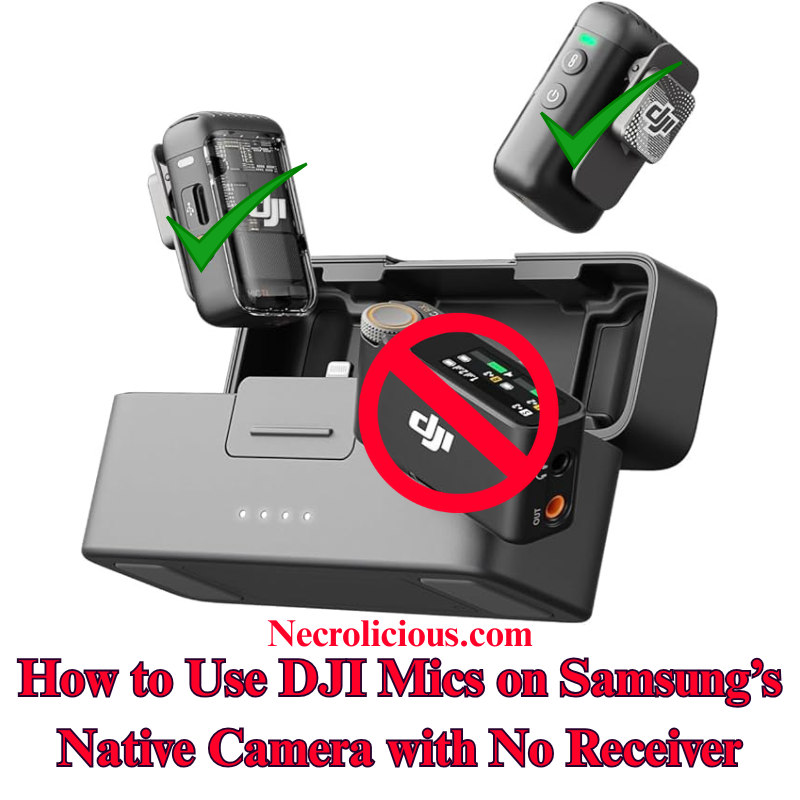
Following extensive online research and testing, I have confirmed that connecting the DJI Mic 2 wirelessly to a Samsung Galaxy device’s native Camera application is significantly more straightforward than on other platforms. Unlike iOS, which restricts Bluetooth audio input in its Camera application, Samsung’s One UI enables direct selection of external Bluetooth microphones within the Pro Video mode of the stock Camera application. This eliminates the need for third-party applications or additional adapters, offering a seamless solution for creators seeking high-quality audio without extra equipment. I have tested & verified this method on recent Samsung Galaxy models, including the S23 & S24 series, using the DJI Mic 2 transmitter directly. This approach is likely to function with other Bluetooth microphones from various brands, though I have not tested alternatives such as the DJI Mic Mini or Mic 3. If you experiment with a different Bluetooth microphone, please share your results in the comments below.
Why This Method is Valuable
The DJI Mic 2 delivers exceptional audio quality, with features such as 32-bit float internal recording and intelligent noise cancellation. However, the receiver adds unnecessary cost & complexity for mobile video production. Samsung’s native support for Bluetooth microphones in Pro Video mode provides a cost-effective, portable solution that maintains professional audio standards, simplifying the recording process for creators.
Step-by-Step Guide to Recording Video with DJI Mic 2, No Receiver
Connect DJI Mic 2 via Bluetooth: Power on the DJI Mic 2 transmitter. Press and hold the record button (link button) for three seconds until the status indicator flashes blue, entering Bluetooth pairing mode. On your Samsung Galaxy device, navigate to Settings > Connections > Bluetooth, ensure Bluetooth is enabled & select “DJI Mic 2” from the list of available devices (it may appear as a headset or microphone). Confirm any pairing prompts. The indicator will turn solid blue once connected.
Launch the Native Camera Application in Pro Video Mode: Open the stock Camera application on your Samsung Galaxy device. Swipe left or tap “MORE” at the bottom, then select “PRO VIDEO”. This mode provides advanced controls, including the ability to select external audio inputs.
Select the DJI Mic 2 as Audio Input: In Pro Video mode, locate the audio settings icon (typically a microphone symbol) above or near the record button on the right side of the screen. Tap it to access the audio source menu. Choose “Bluetooth” or “External Mic” (it may list the DJI Mic 2 directly). Ensure the internal microphone is disabled if prompted. The application will now utilise audio from the DJI Mic 2.
Record Your Video: Adjust video parameters such as resolution, frame rate, or exposure as required. Press the record button to begin capturing video. The DJI Mic 2 will wirelessly record high-quality audio synchronised with your footage. Record a short test clip to verify audio levels and clarity.
How It Works
Samsung’s One UI, built on Android’s Bluetooth audio framework, supports external microphone input in Pro Video mode without the restrictions found in iOS. Once paired, the DJI Mic 2 functions as a standard Bluetooth audio device & Pro Video mode allows explicit selection of the input source. This ensures real-time wireless audio capture directly within the native application, eliminating the need for additional software or hardware.
Additional Guidance
Gain Adjustment: Adjust the DJI Mic 2’s gain settings via its built-in touchscreen or the DJI Mimo application (if installed) before recording. Test clips are recommended to ensure optimal audio levels in varied environments.
Firmware & Software Updates: Keep the DJI Mic 2 firmware updated via the DJI Mimo application, and ensure your Samsung Galaxy device runs the latest Android/One UI version to prevent connectivity issues.
Limitations for Live Streaming: This Bluetooth method may introduce slight latency, making it less suitable for live streaming. For such applications, consider using the wired receiver connected via a USB-C adapter.
Alternative Applications: If Pro Video mode is unavailable or you encounter issues, applications such as Open Camera or Blackmagic Camera support Bluetooth microphones and can serve as alternatives. However, for seamless integration, the stock Camera application is recommended. Note that older Samsung models with Exynos processors (e.g., pre-S21 European variants) may have compatibility limitations; Snapdragon-based devices, such as the S23 or S24 series, perform optimally.
Stereo Recording: For dual transmitters, pair both via Bluetooth, but verify stereo support in Pro Video settings, as mono is the default. Full stereo recording may require the receiver.
This method enables creators to capture professional-grade video & audio using the DJI Mic 2 with Samsung’s native Camera application, without requiring a receiver. Have you tested this approach on your Galaxy device, or discovered alternative solutions? Please share your feedback in the comments & distribute this guide to assist fellow aspiring videographers.
For those preferring a complete setup, the full DJI Mic 2 kit, including the receiver, ensures broader compatibility. With the recent release of the Mic 3, prices for the Mic 2 have reached their lowest levels, making it an excellent time to consider purchasing.
Unless otherwise noted, image assets above are NOT original content & are shared under fair use doctrine with NO claims to authorship or ownership. Contact necrolicious@necrolicious.com for credit or removal.
This post was sponsored by…ME! If you’d like to support, please buy my original meme merchandise or check out my affiliate links to get yourself some other cool things. Additional affiliate links may be contained in the above article. If you click on an affiliate link & sign up/make a purchase, I may earn a commission. This does not increase the price you pay for the product or service, so it helps support this website at no cost to you.
If you would like to support my work more directly, I accept voluntary cryptocurrency donations in BTC, ETH, XRP & XLM sent directly to necrolicious.x. necrolicious.x is an Unstoppable Domains name that resolves to the wallet addresses I have configured. Simply enter necrolicious.x as the recipient in a supported wallet (such as Trust Wallet, Blockchain.com or others that support Unstoppable Domains). Donation Disclaimer: All cryptocurrency donations sent to me are final, voluntary gifts & are non-refundable & irreversible. These donations are not tax-deductible since I am not a registered charitable organization, & no tax receipts will be issued. No memo or destination tag is required for XRP or XLM donations, as the domain resolves directly to a wallet address. By sending a donation you acknowledge & accept all associated risks, including cryptocurrency price volatility, network fees & potential loss of funds due to incorrect network selection or transaction errors. I am not responsible or liable for any loss related to your donation. No goods, services or other benefits are provided in exchange for donations. This is not financial, tax, legal or investment advice. Please consult a qualified professional regarding any implications of your donation.
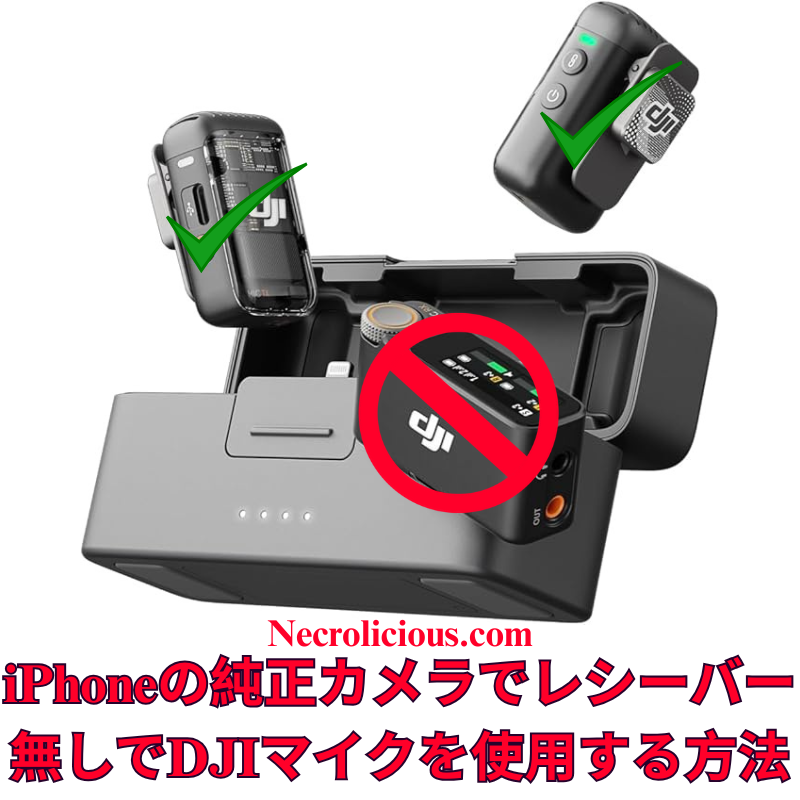
広範なオンライン調査を行いましたが、DJI Mic 2をiPhoneのネイティブカメラアプリでワイヤレスに使用するための明確な手順は見つかりませんでした。Grokに相談し、Bluetoothを活用した簡単な方法を開発しました。このガイドを共有し、クリエイターが高品質なオーディオをDJI Mic 2とiPhoneの標準カメラアプリで実現し、追加の機器コストを回避できるよう支援します。この方法はDJI Mic シリーズでテスト済みであり、動作が確認されています。他のブランドのBluetoothマイクでも動作する可能性が高いと考えられますが、他のブランドのマイクはテストしていません。他のBluetoothマイクをお持ちの方は、ぜひ試してみて、以下にコメントで結果を共有してください。
この方法の価値
DJI Mic 2は優れた音質を提供しますが、iPhoneのカメラアプリはBluetooth機能をネイティブにサポートしていません。レシーバーの購入は費用とセットアップの複雑さを増加させます。この無料のソリューションは、RØDE Reporterアプリを活用し、ポータブルでワイヤレスな録音体験を保証します。
ネイティブカメラアプリを開く:RØDE Reporterをバックグラウンドで実行したまま、iPhoneのカメラアプリを起動し、ビデオモードを選択。DJI Mic 2がワイヤレスで音声をキャプチャします。
ビデオを録画:録画を開始し、短いテストクリップを作成して音質とレベルを確認してください。 注:Bluetooth接続により音声出力がDJI Mic 2にルーティングされる場合がありますが、スピーカーはありません。録画後にiPhoneのスピーカーで再生するには、Bluetoothを無効にするか、Mic 2の電源を切ってください。
Registers a unique ID on mobile devices to enable tracking based on geographical GPS location.
1 day
VISITOR_INFO1_LIVE
Tries to estimate the users' bandwidth on pages with integrated YouTube videos. Also used for marketing
179 days
PREF
This cookie stores your preferences and other information, in particular preferred language, how many search results you wish to be shown on your page, and whether or not you wish to have Google’s SafeSearch filter turned on.
10 years from set/ update
YSC
Registers a unique ID to keep statistics of what videos from YouTube the user has seen.
Session
DEVICE_INFO
Used to detect if the visitor has accepted the marketing category in the cookie banner. This cookie is necessary for GDPR-compliance of the website.
179 days
LOGIN_INFO
This cookie is used to play YouTube videos embedded on the website.






開催.png)