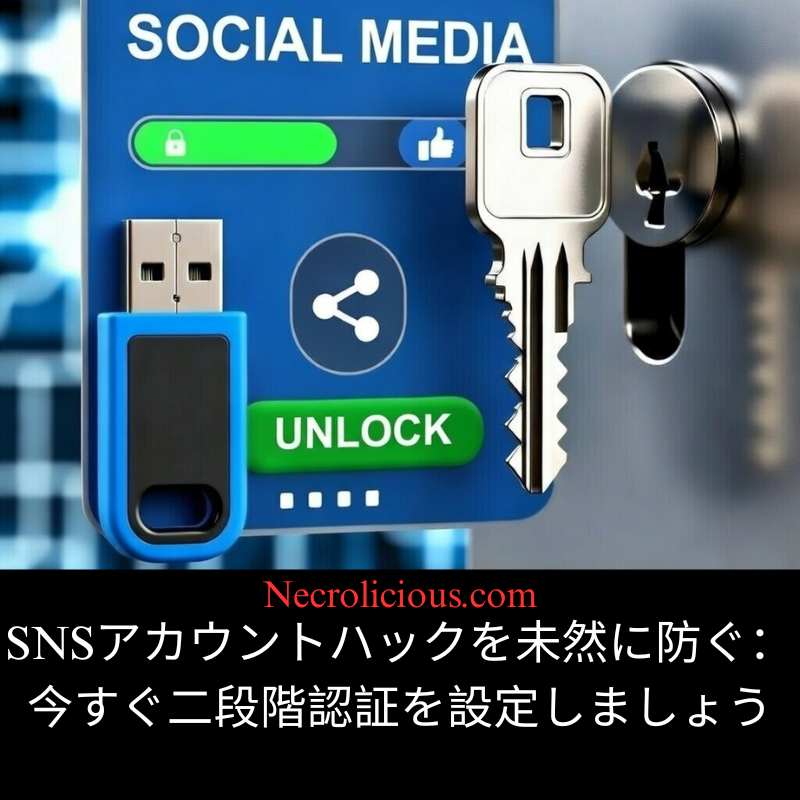
SNSアカウントのハッキングを未然に防ぐ:今すぐ2段階認証を設定しましょう

最近、Xアカウントの乗っ取りが急増していることに、皆さんもお気づきでしょう。著名人、一般ユーザー、そして組織が、フィッシング詐欺、信頼できる連絡先からの偽DM、その他の欺瞞的な戦術の被害に遭っています。攻撃者はこれらの侵害を悪用し、仮想通貨詐欺を投稿したり、アカウント所有者を完全に締め出したりします。その結果、金銭的損失、評判の失墜、復旧作業の長期化といった事態に陥るケースが少なくありません。

この傾向は、パスワードがいかに強力であっても、今日のハッキング環境ではそれだけでは不十分であるという重大な真実を強調しています。

二要素認証(2FA)は、重要な追加保護層を提供します。パスワードに加えて、認証アプリから発行される時間ベースのコード、物理的なセキュリティキー、またはテキストメッセージといった2つ目の認証手順を要求するため、たとえ認証情報が漏洩した場合でも、不正アクセスを確実にブロックできます。

X などの多くのソーシャル メディア プラットフォームは、認証アプリのセキュリティ キーやテキスト メッセージなど、複数の 2FA 方式をサポートしています。

2FA を有効にすることが緊急に重要な理由:

  • フィッシング攻撃では、偽のリンクや偽装メッセージを介してユーザーを騙し、パスワードを漏らしてしまうことがよくあります。2FA は、このような試みを阻止します。
  • クレデンシャル スタッフィング (他の侵害から漏洩したパスワードを使用する) は、2 番目の要素が必要な場合には失敗します。
  • アカウントの侵害は連鎖的に起こり、攻撃者はあなたになりすましてフォロワーをターゲットにしたり、機密情報を抜き出したりします。2FA はこうしたリスクを大幅に軽減します。

個人的には、フィッシング耐性と暗号化セキュリティが堅牢なため、最も重要なアカウントには物理的なセキュリティキー(これらなど)を使用することをお勧めします。これらのハードウェアデバイスは、アカウントのロック解除とアクセスの許可に物理的な人間のタッチを必要とするため、リモート攻撃に対して非常に効果的です。さらに、Yubico独自のYubico Authenticatorで最初にキー自体のロック解除を要求することで、セキュリティをさらに強化するように設定することもできます。ただし、高度ではありますが、これらの専用セキュリティキーはモデルと機能にもよりますが約10,000円以上するため、人によっては高すぎるかもしれません。さらに、アカウントの永久的なロックアウトを防ぐために、メインとバックアップとして機能するセキュリティキーを1つだけでなく少なくとも2つ持つことをお勧めします。

楽天で購入

無料で始められるアプリベースの2FAは、非常に安全でアクセスしやすいのが特徴です。Authyなどのアプリはオフラインでコードを生成し、SIMスワップなどの一般的なバイパス手段を阻止します(SMSのみの場合よりもはるかに優れています)。

2FAの設定方法

セットアップはわずか数分で完了します。Xの場合の手順は以下のとおりです(手順はデバイスによって多少異なる場合があります)。

  1. アプリまたはウェブからXにログインします。
  2. [設定とプライバシー] > [セキュリティとアカウントアクセス] > [セキュリティ] > [2 要素認証] に移動します。
  3. 希望する方法を選択します (セキュリティ キーが推奨されますが、認証アプリも使用できます)。
  4. 指示に従います。認証アプリで QR コードをスキャンするか、画面上のタッチ プロンプトに従ってセキュリティ キーを登録します。
  5. 提供されたバックアップコードは安全に保管してください。デバイスではなく、エアギャップ(オフライン、書面、忘れない安全な場所)に保管してください。

このプロセスはどこでもほぼ同じです。2FAをサポートするすべてのアカウントでこれを繰り返してください。ソーシャルプラットフォームだけでなく、メールや金融サービスを優先してください。

ベストプラクティス

  • 2FAは素晴らしいですが、強力なパスワードは依然として重要です。パスワードマネージャーを使って、ランダムな文字、数字、記号を組み合わせた長い文字列を生成・保存しましょう。ペットの名前や誕生日などを使う時代は終わりました。
  • テキスト メッセージは傍受される危険性があるため、SMS よりもハードウェア キーまたは認証アプリを優先してください。
  • バックアップ コードを生成して保存するか、ロックアウトを回避するために複数の方法を設定します。
  • アカウント設定で接続されているデバイスとセッションを定期的に確認してください。

フィッシングやアカウント侵害の脅威が絶えない時代において、可能な限りあらゆる場所で 2FA を有効にすることは、デジタルプレゼンスを保護するために実行できる最も効果的な手順の 1 つです。

今すぐ実行してください。アカウントのフォロワーと心の平安にメリットがもたらされます。

安全を保ってください。

特に記載がない限り、上の画像アセットはオリジナルのコンテンツではなく、著作権や所有権を主張せずに公正使用の教義に基づいて共有されています。クレジットや削除に関する問い合わせは、necrolicious@necrolicious.comまでご連絡ください。

この投稿のスポンサーは。。。俺!サポートいただける方は、俺のオリジナルミームグッズをSUZURIでお買い求めいただくか、アフィリエイトリンクをチェックして他の素敵なアイテムをご覧ください。上記の記事には追加の関連リンクが含まれる場合があります。関連リンクをクリックして登録や購入を行うと、コミッションを獲得する場合があります。これはあなたが製品やサービスに対して支払う価格を上げませんので、あなたに費用がかからずこのウェブサイトをサポートするのに役立ちます。
Share this:

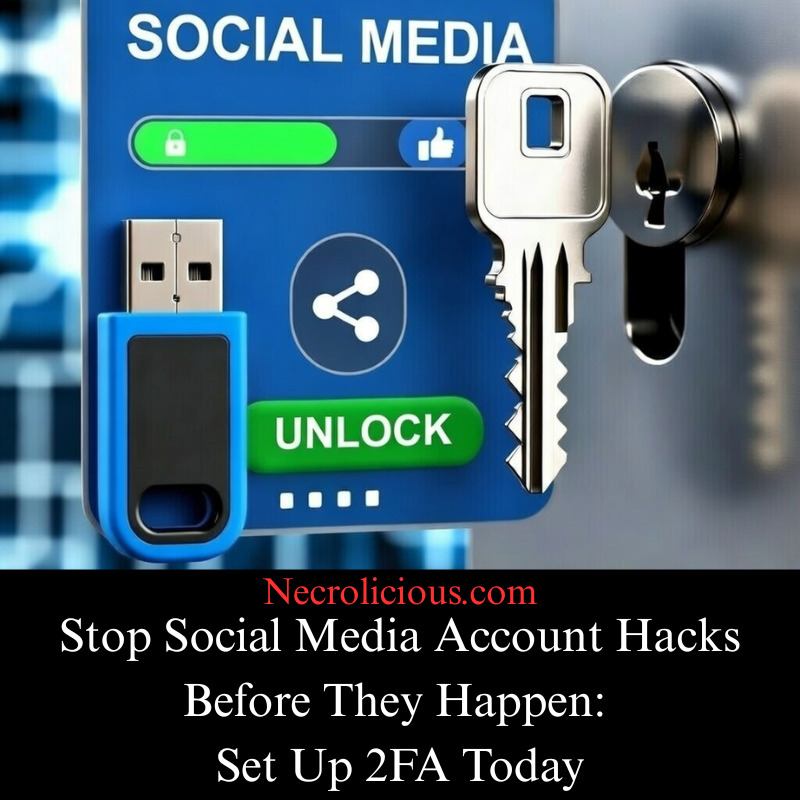
Stop Social Media Account Hacks Before They Happen: Set Up Two-Factor Authentication Today

You’ve likely noticed the recent surge in X account takeovers. High-profile profiles everyday users & organisations have fallen victim to phishing campaigns, fake DMs from trusted contacts & other deceptive tactics. Attackers exploit these breaches to post cryptocurrency scams or lock owners out entirely—often resulting in financial losses, reputational harm or prolonged recovery efforts.

This trend underscores a critical truth: passwords, however strong, alone are insufficient in today’s hacking landscape.

Two-factor authentication (2FA) provides an essential additional layer of protection. It requires a second verification step beyond your password—typically a time-based code from an authenticator app, a physical security key or a text message—ensuring that, even if credentials are compromised, unauthorised access is still blocked.

Many social media platforms, such as X, support multiple 2FA methods, including authenticator apps security keys & text messages.

Why enabling 2FA matters urgently:

  • Phishing attacks frequently trick users into revealing passwords via fake links or spoofed messages. 2FA halts these attempts.
  • Credential stuffing—using leaked passwords from other breaches—fails when a second factor is required.
  • Account compromise can cascade: attackers impersonate you target followers or extract sensitive information. 2FA dramatically reduces this risk.

Personally, I recommend physical security keys (such as these) for your most important accounts, due to their robust phishing resistance & cryptographic security. These hardware devices are highly effective against remote attacks since they require physical human touch to unlock & grant access to an account. You can even set it so that there’s an extra layer of security on top of that by requiring the key itself be unlocked by Yubico’s proprietary Yubico Authenticator first. However, while advanced, these dedicated security keys cost about 10,000 JPY or more, depending on the model & features, which may be too expensive for some people. Furthermore, it is recommended to not only have 1 but, at a minimum, 2 security keys–to act as a main & a backup to prevent permanent lockouts from your accounts.

Buy on Rakuten Japan

For those seeking a free starting point, app-based 2FA remains highly secure & accessible. Applications such as Authy generate codes offline & resist common bypass methods like SIM swapping (far better than SMS alone).

How to Set Up 2FA

Set up takes just minutes. Here’s how for X (steps may vary slightly by device):

  1. Log in to X via the app or web.
  2. Navigate to Settings & privacy > Security & account access > Security > Two-factor authentication.
  3. Select your preferred method (security key recommended, but authenticator apps can also be used).
  4. Follow the prompts: scan the QR code with your authenticator app or register a security key by following the touch prompts on screen.
  5. Save the provided backup codes securely. Store them airgapped (offline, in writing, in a secure place you won’t forget), not on your device.

The process is relatively identical everywhere. Repeat it across all accounts that support 2FA—prioritise E-mail & financial services, not just social platforms.

Best practices

  • 2FA is great, but strong passwords still matter. Use a password manager to generate & save long strings of random letters, numbers & symbols. The days of using pets’ names, birthdays, etc. are over.
  • Prefer hardware keys or authenticator apps over SMS, since text messages are vulnerable to interception.
  • Generate & store backup codes or set up multiple methods to avoid lockouts.
  • Regularly review connected devices & sessions in account settings.

In an era of persistent phishing & account compromise threats, enabling 2FA everywhere possible is one of the most effective steps you can take to safeguard your digital presence.

Do it today—your accounts followers & peace of mind will benefit.

Stay secure. 🔒

Share this: